
Download Autosync – Android, Dropbox, Sync, Free, Productivity, Tool, Utility, PC Software, Desktop Application
Overview
Autosync is a free Android application developed by ttxapps, designed to streamline file synchronization between mobile devices and Dropbox cloud storage. The software enables users to maintain consistent data across multiple devices by automatically syncing files and folders from their Dropbox account to their Android device. It is particularly useful for individuals who rely on Dropbox for backup, file sharing, or cross-device access. The app supports full two-way synchronization, ensuring that changes made locally are reflected in the cloud and vice versa. This bidirectional syncing is ideal for professionals, students, and remote workers who need reliable access to their documents, photos, and media files regardless of location.
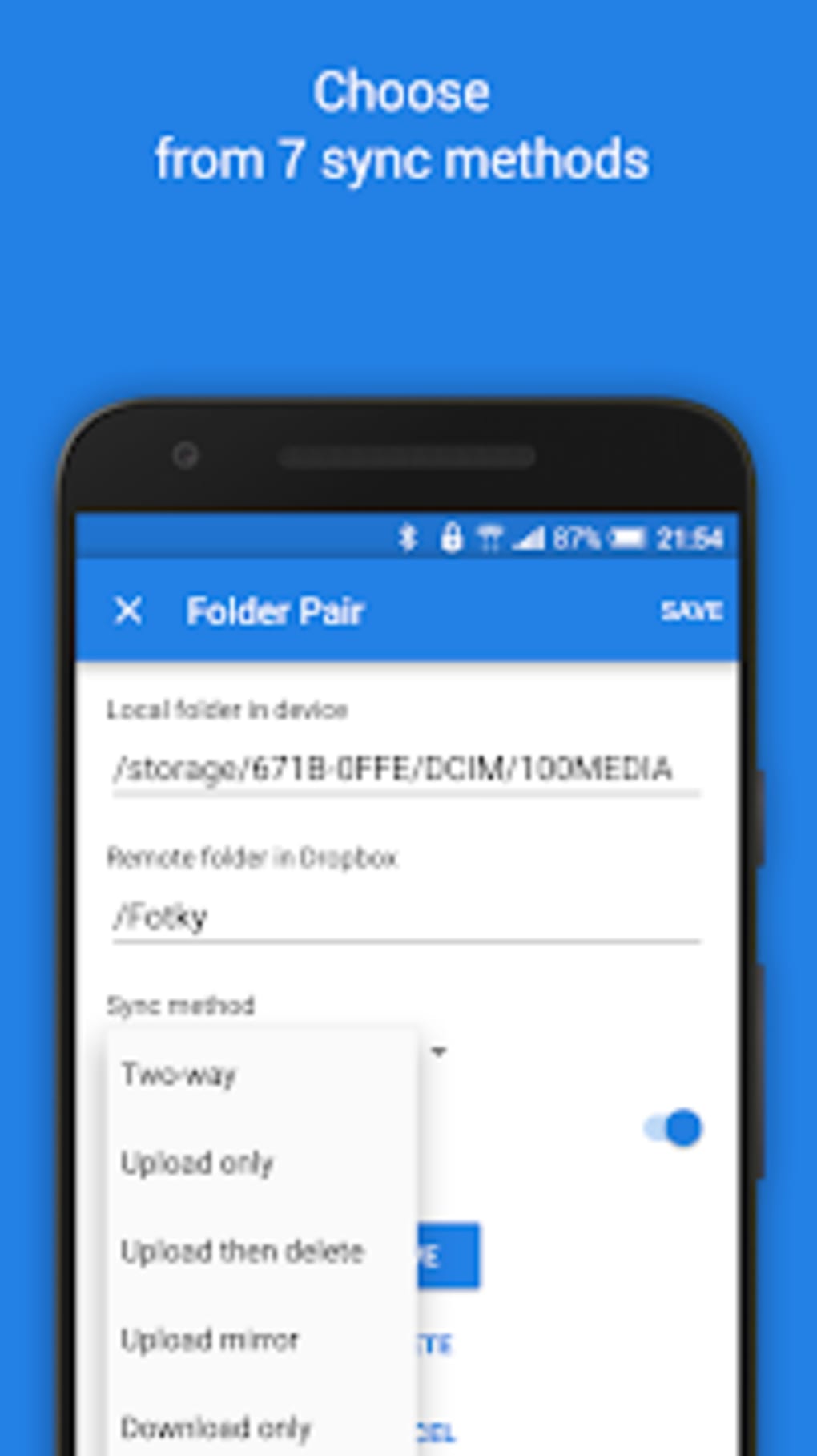
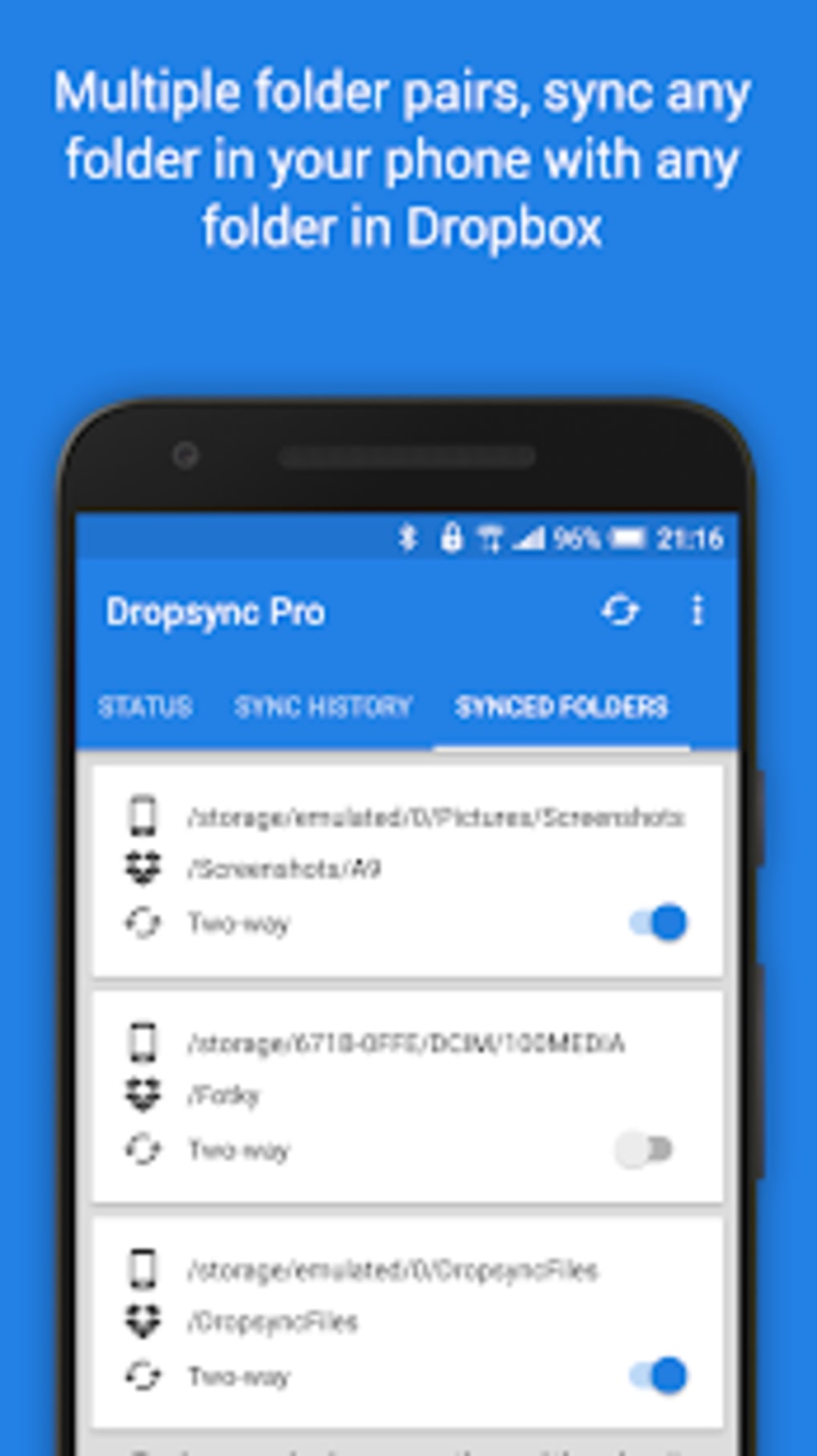
Users can select from multiple sync modes, including full two-way synchronization, which ensures that both local and cloud data remain consistent. The app also allows for the synchronization of multiple folders within a single Dropbox account, offering flexibility for organizing different types of content. Even if folder names are changed, the app maintains sync integrity, reducing the risk of data loss or mismatched files. The application operates efficiently, consuming minimal battery power, and continues to function even when offline. This makes it suitable for users in low-connectivity environments or those seeking uninterrupted access to their files.
Key Features & Capabilities
- Two-Way Synchronization – Ensures that files and folders are consistently updated across both the Android device and the Dropbox cloud, allowing seamless access and edits from any device.
- Multiple Folder Support – Users can select and sync several folders within their Dropbox account, enabling organized and targeted data management.
- Offline Operation – The app continues to function without an active internet connection, preserving sync state and updating files once connectivity is restored.
- Automatic Sync on Changes – Detects modifications to files or folder names and applies updates to maintain data consistency across devices.
- Low Battery Consumption – Engineered for efficiency, the app minimizes background activity to preserve device battery life.
These capabilities make Autosync ideal for users who frequently transfer files between devices or use Dropbox as a central backup solution. For example, a photographer can sync their latest image collection to a mobile device for on-the-go viewing, while changes made during a trip are automatically saved to the cloud. Similarly, a remote worker can access project files on their phone and update them in real time, with changes syncing back to the cloud and other connected devices. The app’s ability to handle folder renames ensures that data remains intact even during reorganization, reducing user error and improving workflow reliability.
User Interface, Workflow & Performance
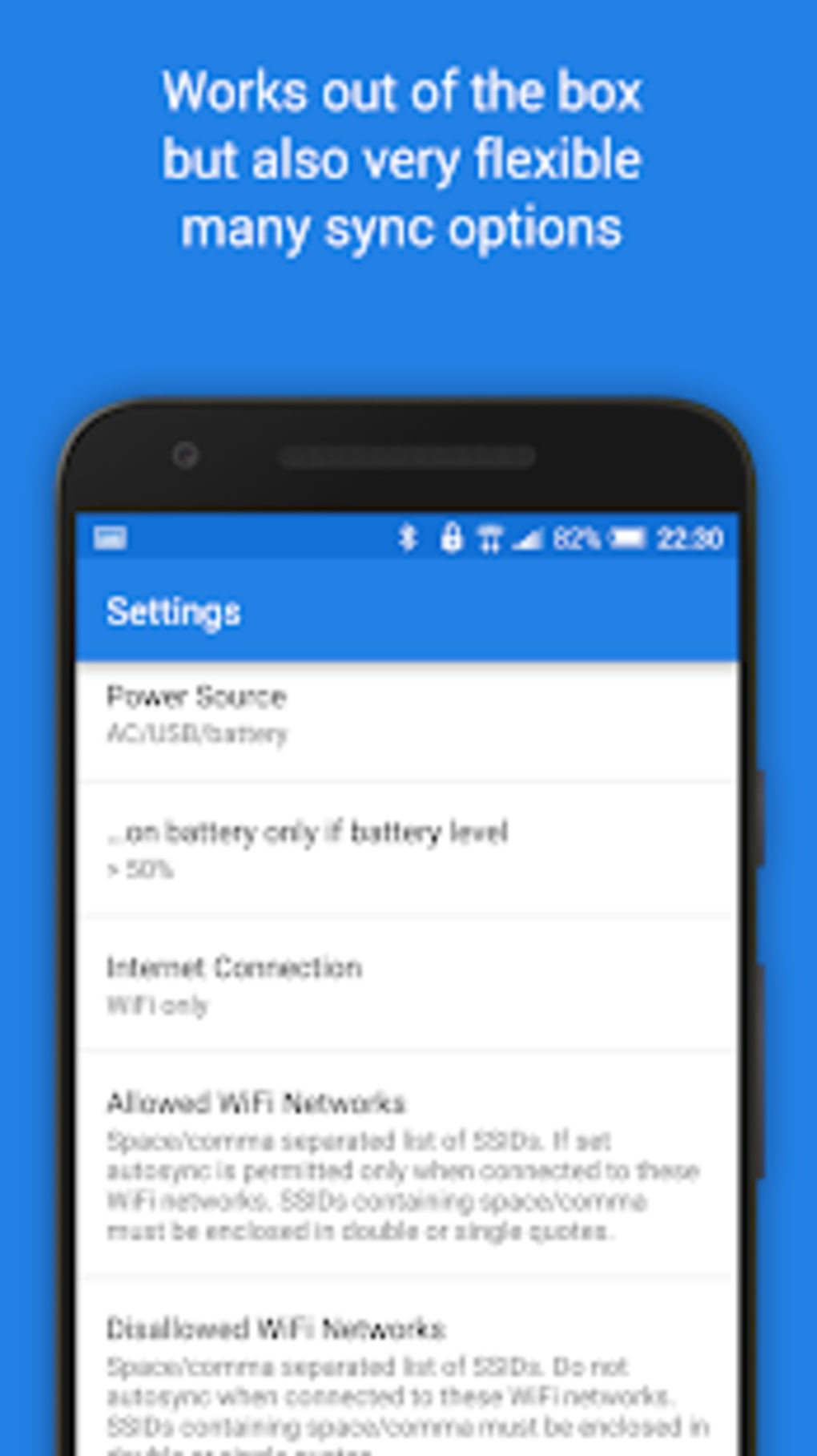
The user interface of Autosync is designed with simplicity and functionality in mind, offering a clean layout that facilitates quick configuration and monitoring of sync activities. Navigation is straightforward, with clearly labeled sections for selecting sync modes, choosing folders, and reviewing sync status. The workflow is intuitive, allowing users to set up synchronization with minimal steps. Once configured, the app runs in the background with minimal user intervention, making it suitable for both casual and power users.
Performance details were not specified by the developer. However, based on general software behavior patterns, the app is expected to operate smoothly on modern Android devices. It is designed to consume minimal system resources, with no reported issues related to crashes or instability.
The developer did not provide specific information on CPU or RAM usage. Battery efficiency is a noted feature, suggesting optimized background processes. The app maintains stability even during extended sync sessions or when handling large files, though exact performance metrics were not disclosed.
Compatibility & System Requirements
Autosync is compatible with Android operating systems, though specific version requirements were not listed. The application has a file size of 3.5 MB, indicating a lightweight footprint suitable for devices with limited storage. Installation is straightforward, and the app integrates directly with existing Dropbox accounts without requiring additional setup steps.
Exact system requirements were not listed. The developer did not specify minimum hardware specifications such as RAM, processor type, or storage capacity. Compatibility information is limited to the operating system platform. Users should ensure their Android device is running a supported version of the OS, though the exact version range is not provided. The app is designed for mobile use and does not support desktop environments or other operating systems.
Pros and Cons
Pros
- Free to download and use, with no hidden costs
- Supports full two-way synchronization between device and Dropbox
- Efficient battery usage, ideal for long-term background operation
- Works offline and resumes sync when connectivity is restored
- Allows multiple folder selection for flexible data management
Cons
- Compatibility with specific Android versions was not disclosed
- No information on system resource usage (CPU, RAM)
- Does not support desktop or non-Android platforms
- Limited to Dropbox integration; no support for other cloud services
- No visible user feedback or progress indicators during sync operations
FAQ Section
Is Autosync available for iOS or desktop devices?
Autosync is designed exclusively for Android devices. There is no official version available for iOS, Windows, or Mac operating systems.
Does Autosync require an active internet connection to function?
The app can operate offline and will continue to track file changes. Once a connection is reestablished, it automatically resumes synchronization.
Is Autosync safe to use with my Dropbox account?
As a free tool developed by ttxapps, Autosync integrates with Dropbox using standard authentication protocols. It is recommended to review the app’s permissions and privacy policy before granting access.
How often does Autosync sync my files?
Syncing occurs automatically in real time when changes are detected. The frequency depends on file activity and network availability.
Can I use Autosync with multiple Dropbox accounts?
While the app supports multiple folders within a single Dropbox account, it does not specify whether multiple accounts can be linked simultaneously. The developer did not provide details on multi-account support.
Final Thoughts + CTA
Autosync delivers a reliable, lightweight solution for Android users who depend on Dropbox for file synchronization and backup. Its two-way sync capability, low battery consumption, and offline functionality make it a practical tool for maintaining consistent data across devices. While it lacks support for desktop platforms and other cloud services, its focused design ensures efficient performance within its intended scope.
The app is particularly beneficial for professionals, students, and creatives who need seamless access to their files on the go. Despite limited system requirement details, its small size and free availability enhance its accessibility. For users seeking a straightforward, no-cost sync tool for Dropbox on Android, Autosync is a strong contender.
Download Autosync now





.png)

